


Convenient

Instant digital card

Manage your card
Card controls
Secure access to your own money
- Make purchases online or in-store using your Visa Debit card, including payWave.
- Tap and pay securely using your mobile phone using , or .
- Free cash withdrawals at atmx terminals and all major bank ATMs across Australia.
- Use card controls to block transactions such as online, overseas or Visa payWave.
- Lost your card? Lock it temporarily while you look for it, or cancel it and request a new one (you’ll get a new digital card instantly).
- Easily set up alerts using internet banking or the mobile app to be notified when a payment comes out of your account.
- Shop safely thanks to Visa Secure and participating merchants authenticating your identity.
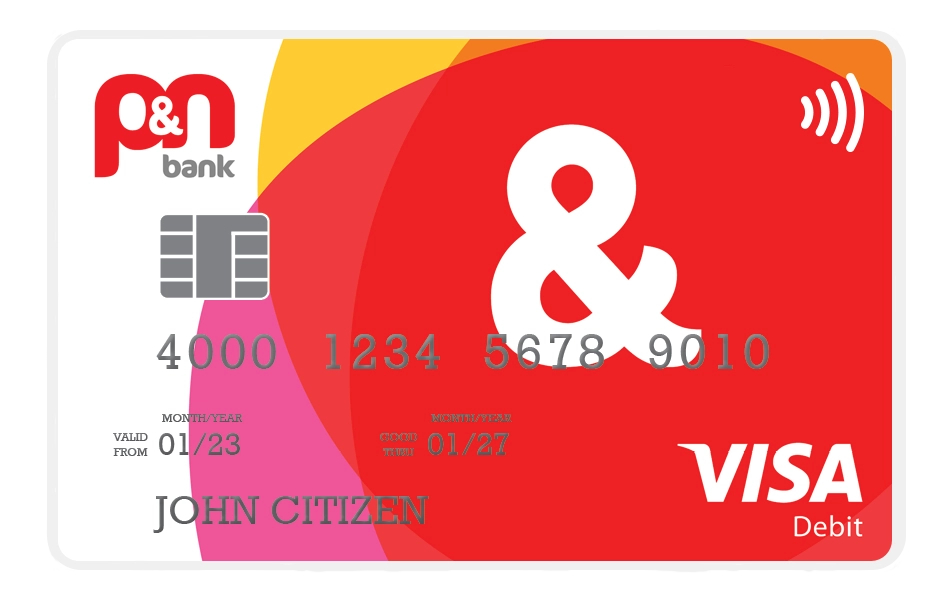
Use your Visa Debit card with these accounts
& Transaction Account
Momentum Account
An interest-earning everyday account for your daily spending, available exclusively to those over 55.
Concession Account


We're here to help


Stay safe online
Your Visa Debit card questions answered
Your card number is 16 digits in length and can be found on the front of your physical card.
You can also locate your card number in the mobile app or internet banking by going to Manage cards > Card details.
You can use your card details to add your card to a digital wallet manually, or make purchases online or over the phone.
The card details shown online are all the details that are embossed on your physical card:
- The full card number or PAN
- Expiry date
- CVV (otherwise known as security code)
- Name on card
WARNING! Always keep your card details secure. Someone could use them to process an unauthorised transaction using your account or device.
Getting started with your new card is quick and easy. You can activate your card in minutes using internet banking or our mobile app – or you can call us on 13 25 77, or visit us in person if that’s more your style.
Activate your card in internet banking
If you're already registered with internet banking, simply log in to activate your card online.
Once you’re logged in:
- Go to Services > Manage cards
- Request and enter your secure SMS code
- Click Validate
- Follow the prompts to activate your card
Activate your card in the mobile app
If you haven’t already, download our mobile app so you can activate your card on the go:


Once you’re logged in:
- Tap the menu icon () and select Manage cards
- Choose the card you want to activate
- Follow the on-screen prompts to activate your card
For your security, contactless payments are limited to a total of $1,000 or 10 transactions per day, whichever comes first.
If you reach either limit, you can still make purchases using the available funds in your account by inserting your card and selecting Credit.
If you're still having trouble using your card, check that the relevant transaction types are enabled in card controls in the mobile app or internet banking.
If you've tried these steps and your card still isn't working, please contact us and we'll be happy to help.
The quickest way to report your card as lost or stolen is by using the mobile app or internet banking. To report your card as lost or stolen:
- Log in to internet banking or the mobile app, and go to Manage Cards.
- Select the card you need to report as lost or stolen and follow the prompts to cancel your card.
If you have an eligible card, you can reorder a new card at the same time which can then be added to your digital wallet. You'll be able to use this until your new card arrives in the mail.
Alternatively, call us on 13 25 77 or visit your nearest branch.
Outside business hours?
To report a card as lost or stolen outside of business hours, please call 1800 648 027, or if you're overseas call +61 2 8299 9101.
How you stop a recurring payment depends on whether it's a direct debit from your bank account or a payment made using your Visa card.
To check how your payment was processed, log in to the mobile app or internet banking and find the payment in your transaction history.
- Direct debit: Payments made directly from your bank account are labelled 'Direct debit' in your transaction history.
- Card payment: Payments made using your Visa card may be identified as 'Visa' or 'Eftpos' in your transaction history.
Direct debits
If you want to cancel a direct debit, all you need to do is contact us. You don’t need to contact the merchant or service provider first, and there’s no charge to cancel.
You may also want to let the merchant or service provider know you’ve cancelled the direct debit, so you can arrange another way to pay if needed.
Recurring card payments
If the payment was made using your Visa card, you'll need to contact the merchant or service provider directly to cancel the payments.
You can also cancel your card by going to Manage Cards in the mobile app or internet banking to prevent further payments being made using your card details.
If you've already asked the merchant to cancel the payments but have still been charged, please get in touch with us to discuss a possible transaction dispute.